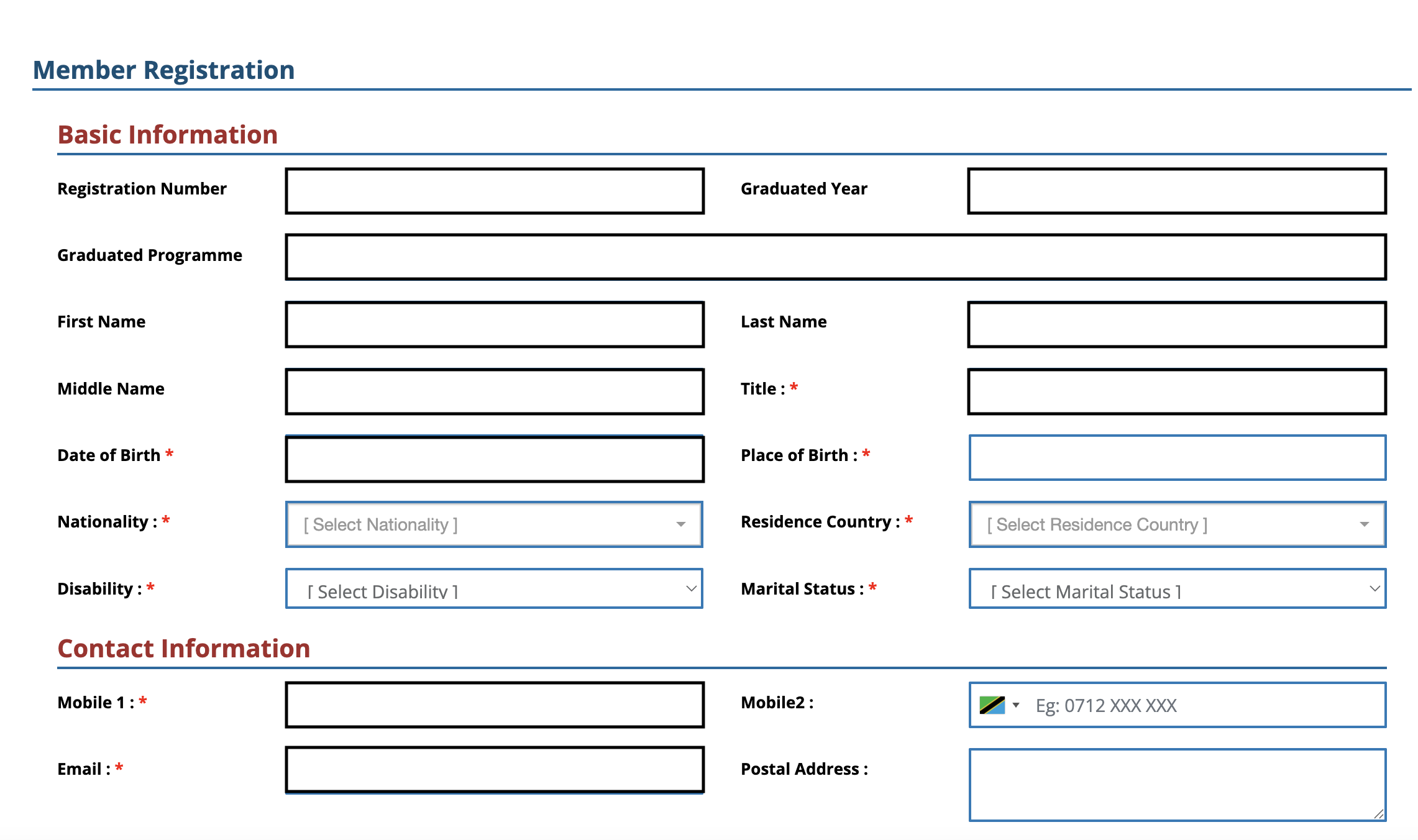
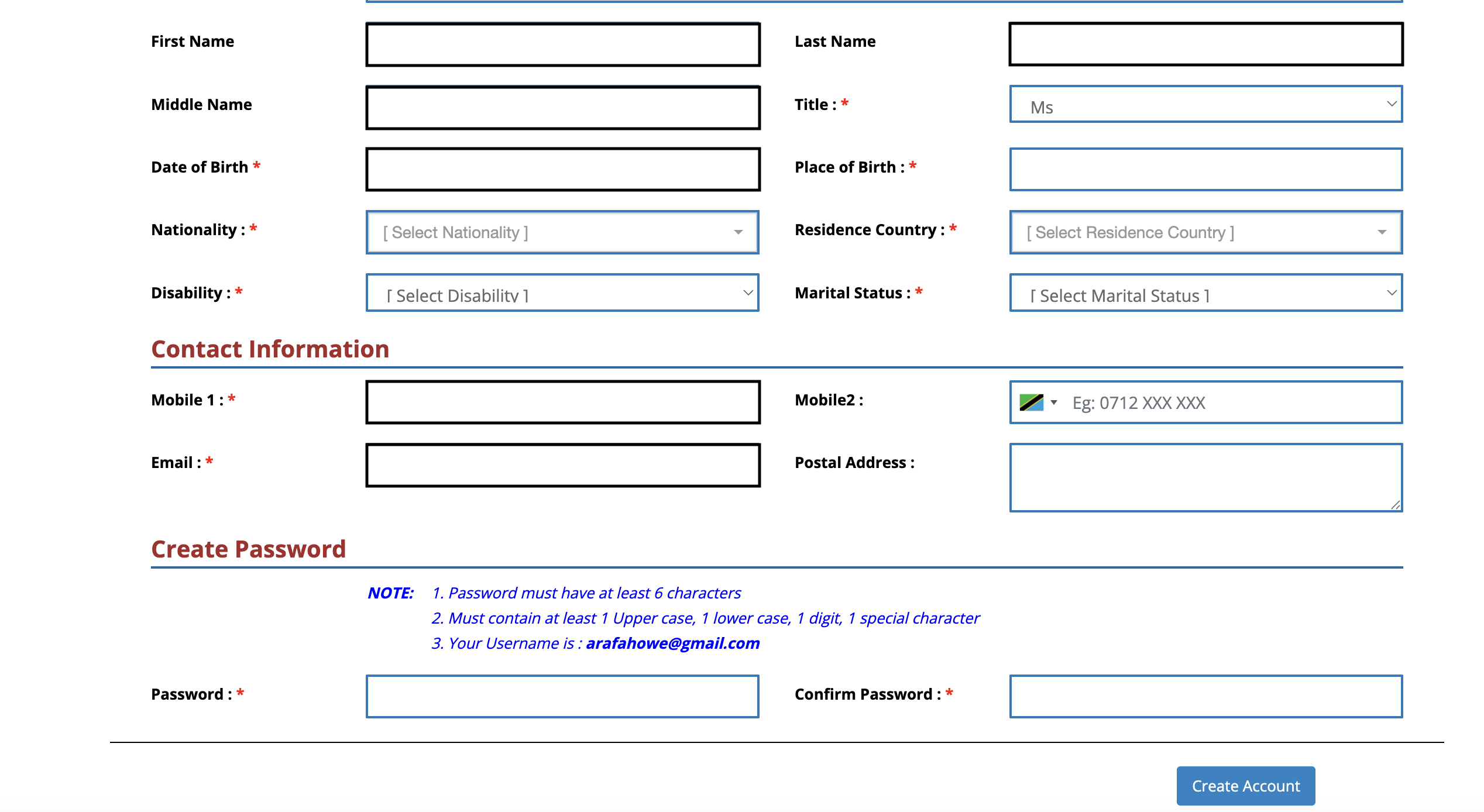
Free registration on our central alumni website to,
 Reconnect with old friends Stay up to date on upcoming Alumni events Keep informed about KCMC University
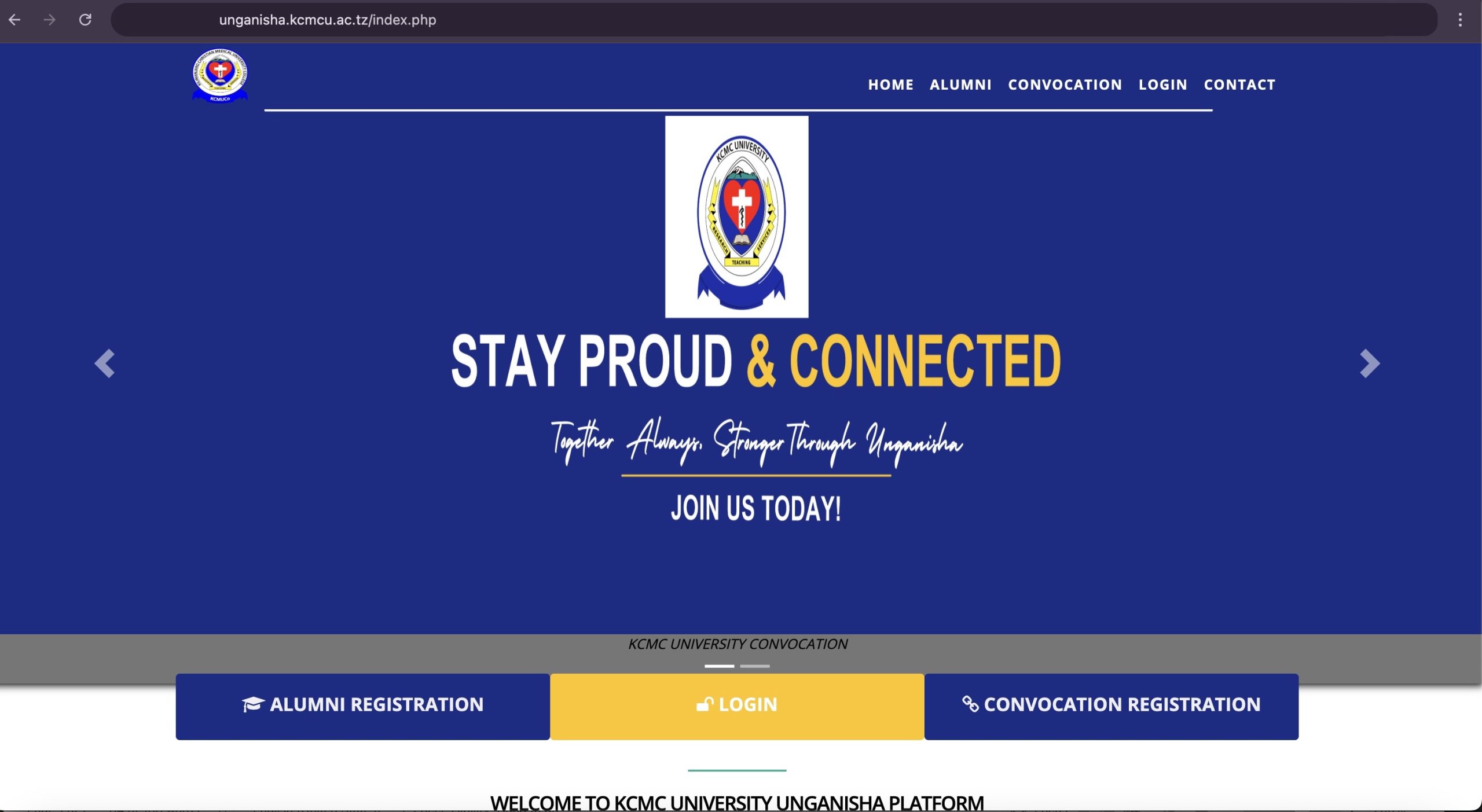
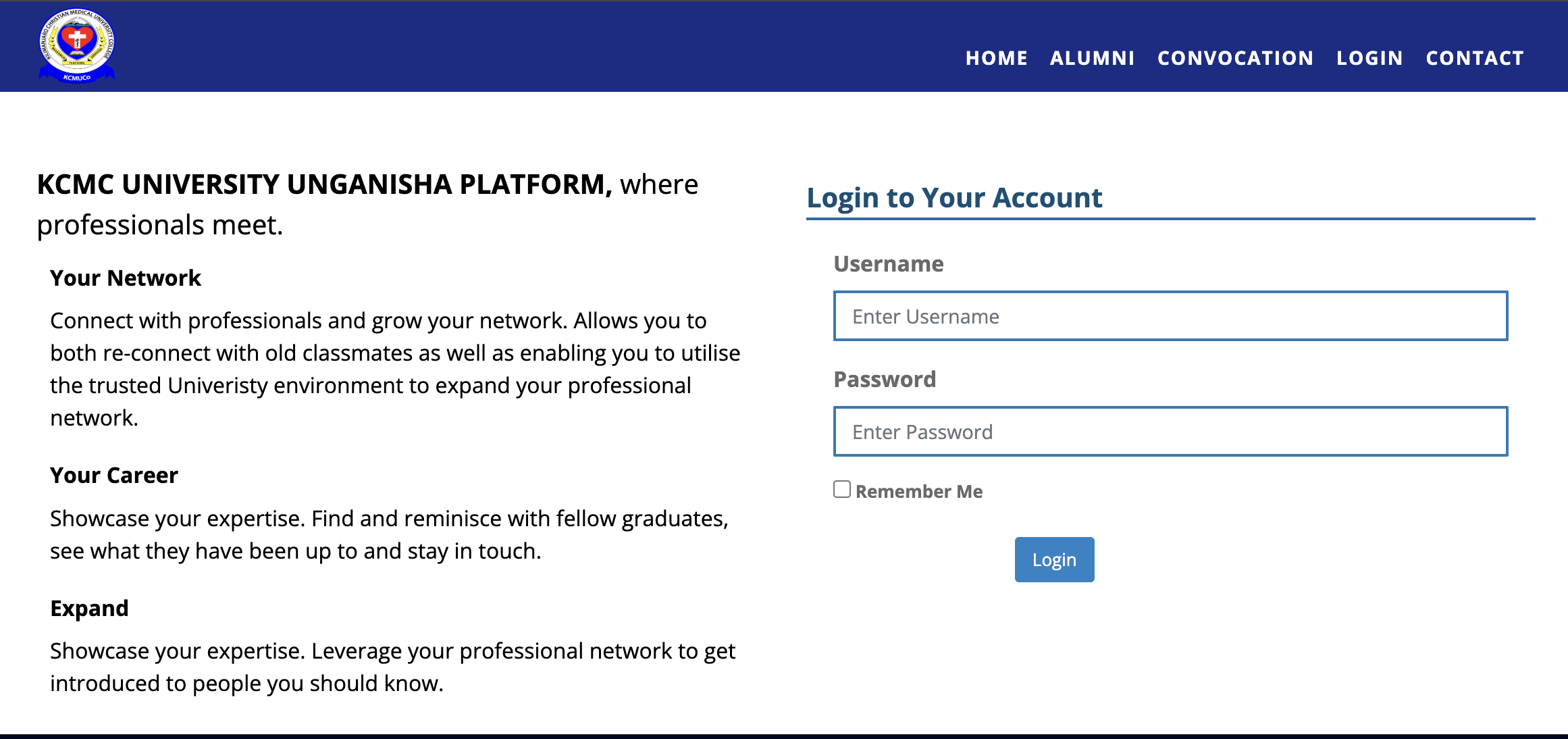
Click here to start registration: unganisha.kcmcu.ac.tz


 Reconnect with old friends Stay up to date on upcoming Alumni events Keep informed about KCMC University